

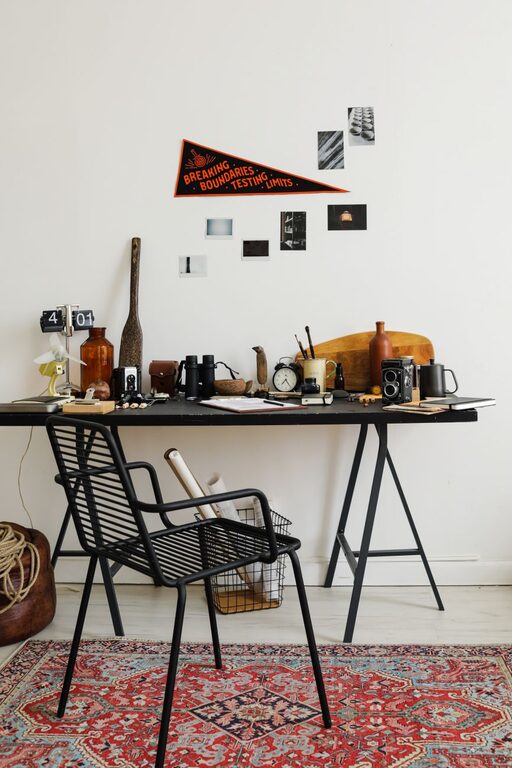
Creating an inviting and organized workspace can make a big difference in your daily productivity and overall mood. However, many of us struggle to find the time for a thorough cleaning or redesign. The good news is that you don’t need hours to refresh your workspace — a quick ten-minute refresh can help you feel more focused and motivated. Here’s how to brighten up your space and clear the clutter in just ten minutes.
Why Refresh Your Workspace?
A cluttered or dull workspace can lead to distractions and decreased efficiency. By giving your area a quick refresh, you can:
– Improve concentration and reduce stress
– Increase motivation and creativity
– Create a more comfortable and appealing environment
Refreshing your workspace regularly helps maintain these benefits without requiring a big time investment.
What You’ll Need
Before starting, gather a few simple supplies to make the process smoother:
– Trash bag or bin for garbage and recyclables
– Cleaning wipes or a microfiber cloth
– Small organizer or containers for supplies
– Optional: a small plant, diffuser, or decorative item
Having these ready will help you focus on the tasks without interruption.
Step-by-Step Ten-Minute Workspace Refresh
Minute 1-2: Declutter Your Desk Surface
Begin by quickly clearing off your desk. Remove any items that don’t belong or that you no longer use regularly. Sort items into piles:
– Trash or recycling
– Items to relocate
– Items to keep on the desk
This quick decluttering creates a clean slate and reduces visual distractions.
Minute 3-4: Organize Essential Items
Place the items you want to keep on your desk back in an organized fashion. Group similar things together such as:
– Writing tools like pens and pencils
– Notebooks or planners
– Electronics like your laptop, tablet, or charger
Use small containers or trays to keep these organized and easy to access.
Minute 5: Wipe Down Surfaces
Use cleaning wipes or a microfiber cloth to quickly wipe your desk surface, keyboard, mouse, and monitor. Removing dust and smudges instantly makes your workspace feel fresher and more inviting.
Minute 6: Adjust Your Chair and Lighting
Make sure your chair is comfortably positioned and supportive. Adjust lamps or blinds to improve natural lighting and reduce glare. Proper lighting can reduce eye strain and boost alertness.
Minute 7: Add a Personal Touch
Bring in a small item that makes you feel positive or inspired. This could be:
– A small plant or succulent
– A framed photo or motivational quote
– A scented candle or essential oil diffuser
Adding a personal touch can make your workspace more inviting and motivating.
Minute 8: Sort Out Papers and Documents
Quickly gather loose papers and sort them into folders, trays, or binders. If you use both physical and digital documents, consider scanning important papers to reduce clutter.
Minute 9: Check Your Tech Setup
Take a moment to tidy your cables and organize your tech gadgets. Use cable clips or ties to keep cords neat and prevent tangling. Ensure devices are charged and ready for use.
Minute 10: Final Walkthrough and Reset
Stand back and take a quick look at your workspace. Make any last-minute adjustments and set up your essential items for the tasks ahead. Reset your chair, position your keyboard and mouse comfortably, and get ready to work in a more refreshed environment.
Bonus Tips for Maintaining a Fresh Workspace
– Schedule a short workspace refresh at the start or end of each day
– Keep a small trash bin nearby for easy disposal of clutter
– Limit decorative items to a few favorites to avoid overcrowding
– Regularly clean your electronics to maintain hygiene and functionality
Conclusion
Refreshing your workspace doesn’t have to be time-consuming or complicated. With just ten minutes and a focused plan, you can create a more organized, pleasant, and productive environment. Try these steps regularly and notice how a refreshed workspace can positively impact your workday.